
 LabScale · by Labstory Studio
Small photos & videos made bigger and sharper, video smoother.
AI upscaling up to 4× and a 60 FPS boost for photos and video — all processed on your own computer. Drop in a file or a folder, pick what you want, press Process.
Version 2.1.1 · Mac Apple Silicon (M1+) · Windows 10/11 64-bit · check specs · how to install


See the difference
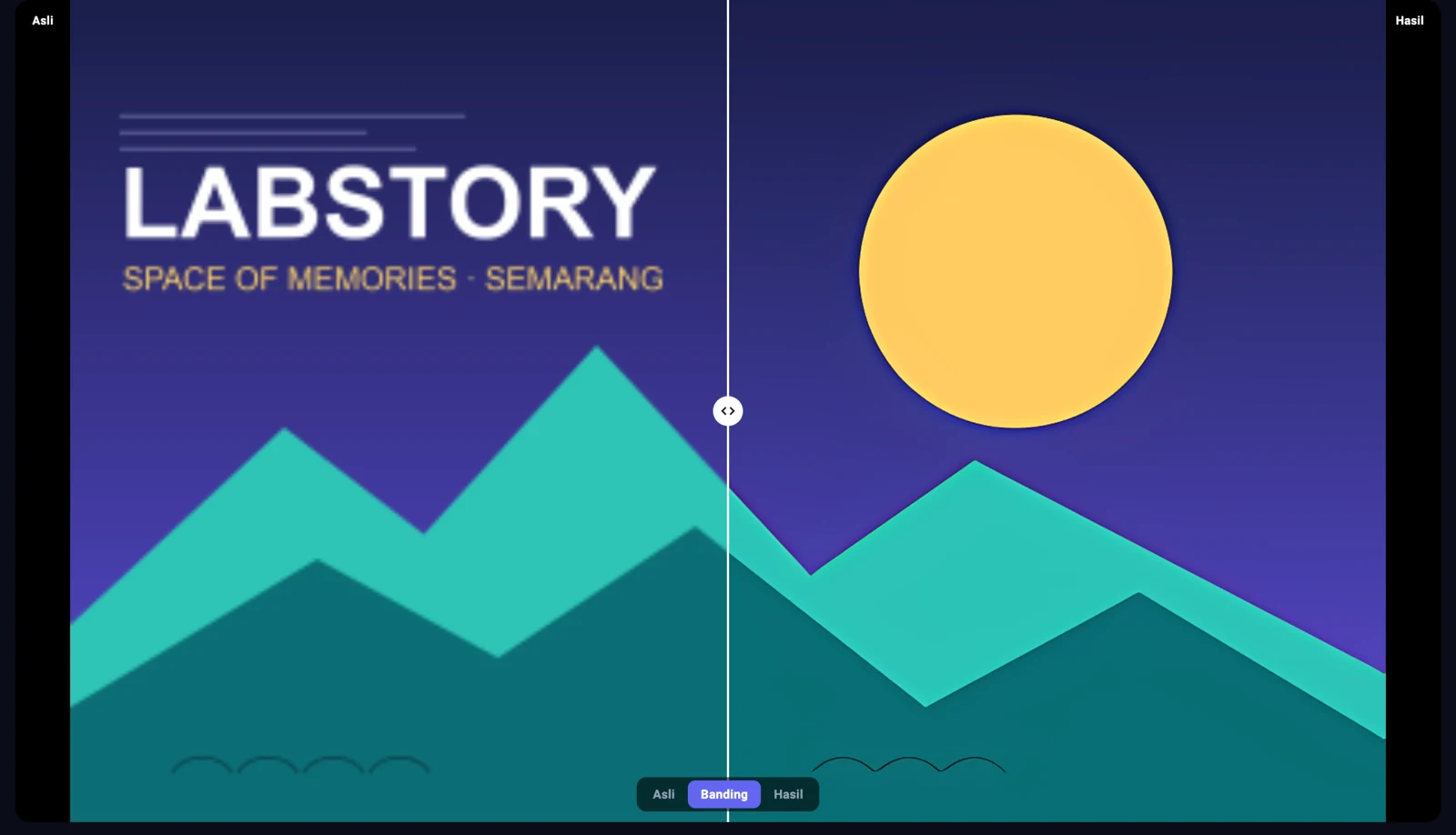
A small 400×250 pixel image enlarged 4×. Left: plain enlargement (bicubic). Right: untouched LabScale output — like the design example above (Anime & manga model). Drag the divider.
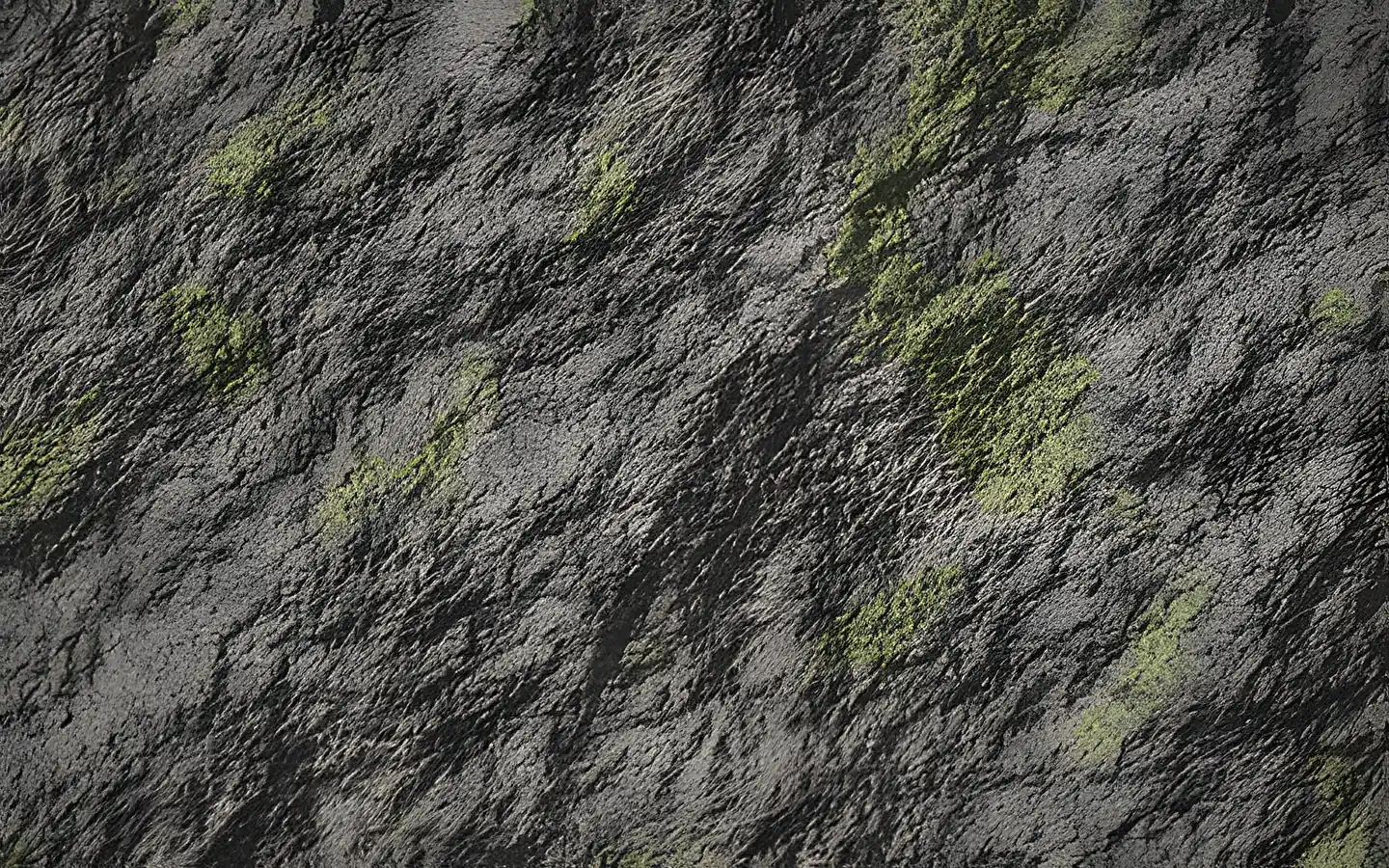
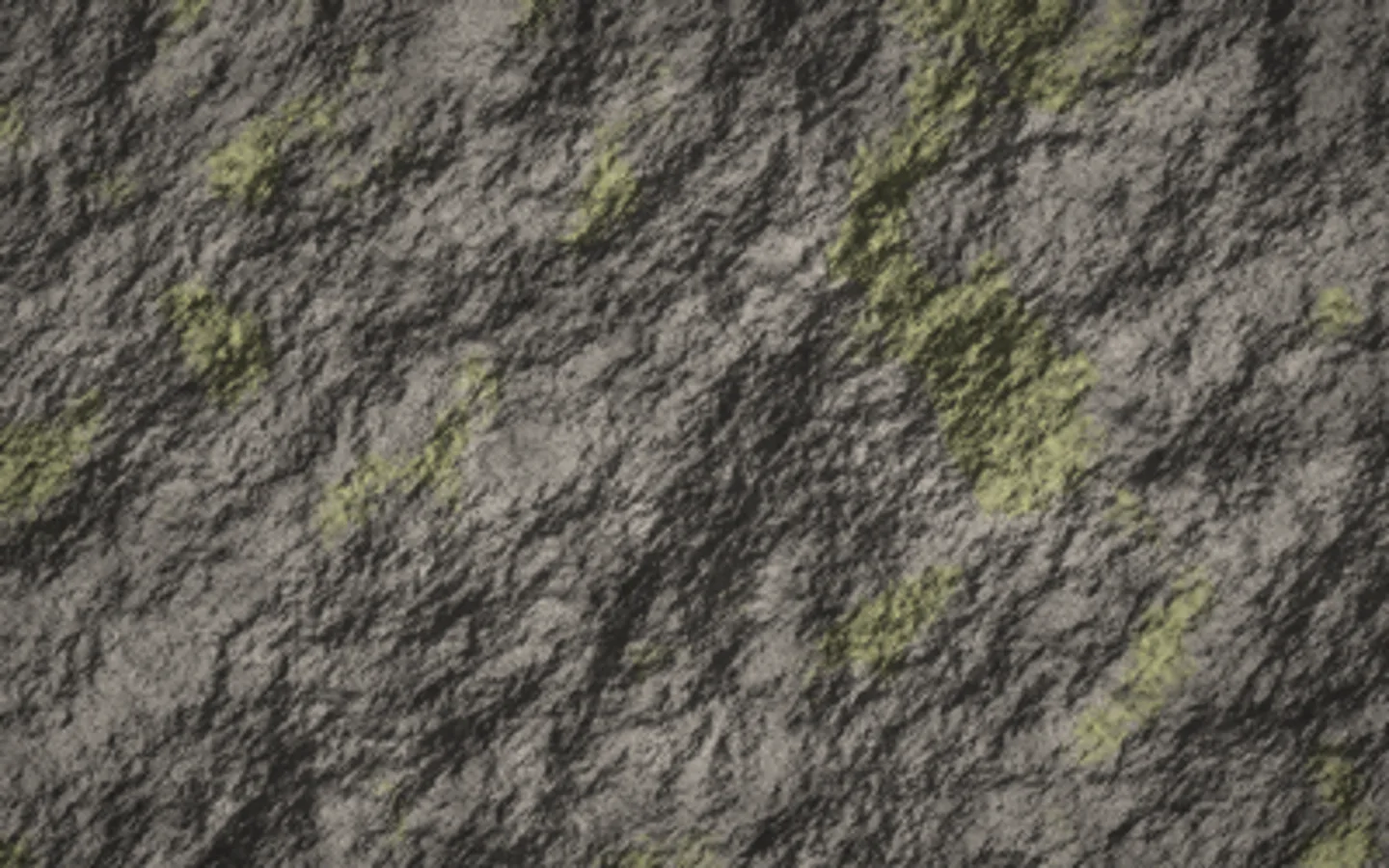
Samples made specifically for this page with LabScale’s bundled models (fine for commercial use).
Features
Can your computer run it?
The AI features (AI upscaling and RIFE 60 FPS video) run on the GPU through Vulkan. Without a supported GPU, LabScale still works for non-AI upscaling and FFmpeg 60 FPS — both run on the CPU.
Mac
- Minimum for AI
- Apple M1, macOS 14, 8 GB RAM
- Recommended
- Apple M1 or newer, 16 GB RAM for video
- Not supported
- Intel Macs
Windows 10 / 11 (64-bit)
- Minimum for AI
- A GPU with Vulkan, 2 GB VRAM, 8 GB RAM
- Recommended
- GeForce GTX 1650 / Radeon RX 570 class or better, 4 GB VRAM, 16 GB RAM
- Without Vulkan
- Basic features only: non-AI upscaling, FFmpeg 60 FPS (slow on old CPUs)
| Windows GPU | Examples |
|---|---|
| Supports Vulkan | Intel HD/UHD 6th gen (2015) or newer · NVIDIA GeForce GTX 650 / GT 740M (Kepler) or newer · AMD Radeon HD 7000 / R7 / R9 (GCN) or newer |
| Recommended | NVIDIA GTX 10 / 16 or RTX · AMD RX 400 or newer |
| Basic features only | Intel HD 3rd to 5th gen (e.g. HD 4000) · older Fermi-based GeForce (e.g. GT 720M) |
What's new
- On PCs whose GPU has no Vulkan support (common on older laptops), the AI features are now shown as unavailable with the reason, and the 60 FPS boost uses FFmpeg instead of failing.
- On small screens such as 1366×768 laptops, the window now fits the screen.
- The process log now shows every job through to its last line.
- First public release: LabScale is now free and open source.
- Interface in Indonesian and English, switchable from the top of the window.
- Jobs can be cancelled at any time without leaving half-finished files behind.
- Before processing video with AI, LabScale checks that there is enough disk space.
- The UltraMix, UltraSharp and Remacri models can be downloaded from inside the app when selected (non-commercial use only).
- A notice appears when a new version is available, plus a log folder for reporting problems.
Download & install
LabScale isn’t signed with a paid developer certificate yet, so the system asks for confirmation once on first launch.
macOS
macOS 14 or later, Apple Silicon (M1 or newer). Intel Macs are not supported.
- Download LabScale-2.1.1-macos.dmg (111 MB).
- Open it and drag LabScale into Applications.
- On first launch macOS says the app can’t be verified: click Done, open System Settings → Privacy & Security, scroll down, and click Open Anyway. Only once.
Windows
Windows 10 / 11, 64-bit. The installer needs no administrator rights.
- Download LabScale-Setup-2.1.1.exe (129 MB). Prefer no installer? Get the .zip (165 MB) and run
labscale.exe. - If “Windows protected your PC” appears, click More info → Run anyway.
All versions & release notes: GitHub Releases · checksums SHA256SUMS · source code: github.com/labby245/lab-scale
Frequently asked questions
Is it really free?
Yes. No account, no watermark, no file limit, no ads. The code is open (MIT license) and you can inspect it yourself on GitHub. LabScale is one of the ways we introduce Labstory as an app maker.
Are my photos/videos uploaded?
No. Everything runs on your own computer, and your originals are never changed — results are always saved as new files. Internet is only used to check for new versions and to download optional models if you choose them.
Will it run on my old laptop?
The AI features need a GPU with Vulkan support and up-to-date drivers — see the list in the Specs section; the status dot in the app is the surest check. On older computers LabScale still opens: the AI features are marked unavailable, while non-AI upscaling and the 60 FPS boost keep working.
Why is video upscaling slow?
Every frame is upscaled one by one, so it suits short clips best. For most AI models 2× is as heavy as 4× (the model only has 4× weights); the exception is the “Anime video” model, which is much faster.
Can I use it for commercial work?
The bundled models, yes. The three optional models downloaded from inside the app (UltraMix Balanced, UltraSharp, Remacri) are licensed CC BY-NC-SA 4.0 — non-commercial use only.
What about updates?
On launch LabScale checks for a new version and shows a small banner. It never downloads or installs anything by itself — you decide.
Fotolane — event photos ready to upload, automatically
Photos come in from the camera over a cable, get resized and sorted odd/even while the event runs. You focus on shooting.
Having trouble? In the app click the ⓘ icon → Open log folder, then attach labscale.log to a GitHub issue, or send feedback. LabScale is built with FFmpeg, Real-ESRGAN and RIFE — full credits in the repo.